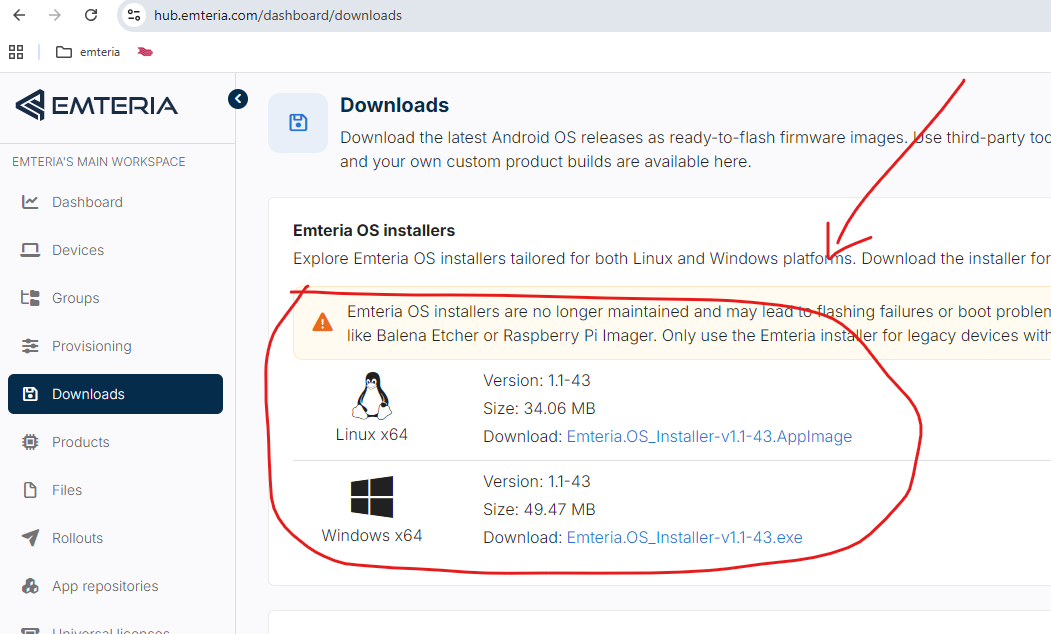
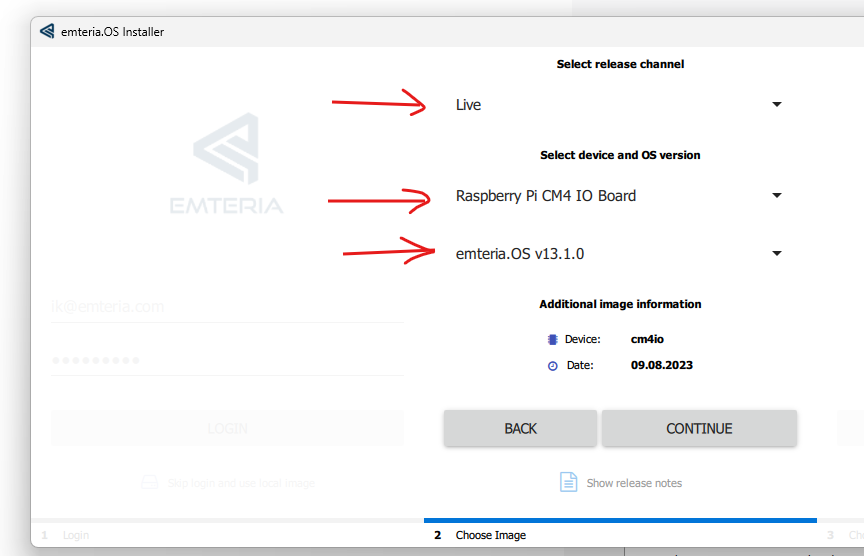
@vrbinc: thanks solved: Now I like to change the Display to an 7" with 800x600 resolution HDMI.
I saw that i can change on EMTERIA to autodetection, Firmware setting and Kernel settings.
Autodetection does not work.
in my understanding there is a Memory on the HDMI Display board reading out the posible settings automatically...
If I selecting the Firmware setting I use to change the settings on config-overrides.txt as follows:
config_hdmi_boost=4
#remove black borders
disable_overscan=1
#set specific CVT mode
hdmi_cvt 800 480 60 6 0 0 0
#set CVT as default
hdmi_group=2
hdmi_mode=87
i am able to see the booting lines on the display but after change to the emteria symbol entry grafic the display goes black and then I see only stribes on my display...
same thing when I change the settings on emteria to kernel the I have the same result. After setting the video=HDMI-A-1:800x480M@60 in the file cmdline.txt.
where is my error?
other point: when I set the settings in emteria to autodetection for display and delete all settings on config-override or cmdline files. I expecting that the Emternia is detecting my reglual Monitor with a standard resolution 1k something but is goes back to fw ore kernel setting to the 640x480 resolution.
thats strange...
Maybe I have to post it ot an other thread ?
regards Claus