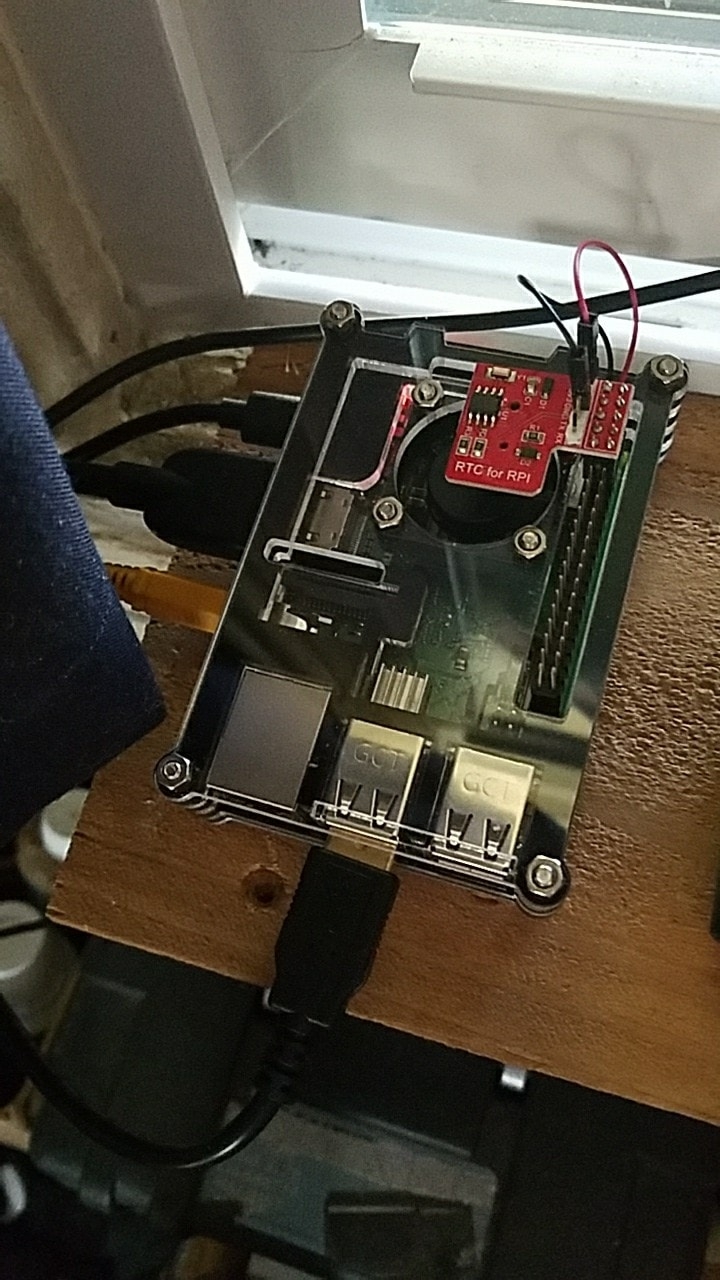
Directions
Edit /boot/config.txt
add
dtparam=i2c1=on
dtparam=i2c_arm=on
dtoverlay=i2c-rtc,ds1307
save file
reboot
login and check
type i2cdetect -y 1
Should show UU at line 60 slot 8
Then type
echo ds1307 0x68 > /sys/class/i2c-adapter/i2c-1/new_device
Make sure you are connected to the internet to let the Pi sync the right time from the Internet.
Once that's done, run date to verify the time is correct then run hwclock -w to write the time, and another hwclock -r to read the time and compare it's the same.
Reboot
The last step is hwclock -s but I don't see a way to auto execute that at boot time. Usually you can use /etc/rc.local but Android doesn't use it. Maybe @IKS can answer that.